
In this article, we explain the process of how to reset the Cpanel password on Client area. We have chosen to show you the simplest way to do it possible.
For security reasons, we recommend you use a password manager to enable yourself to create long, complex passwords and secure them safely. Regardless, passwords can be forgotten, saved wrong, or painful to share if needed.
How to reset Cpanel password on Client Area
The instructions below will guide you through resetting Cpanel password ON Client area without stress. Recommended when you have access to the Client area.
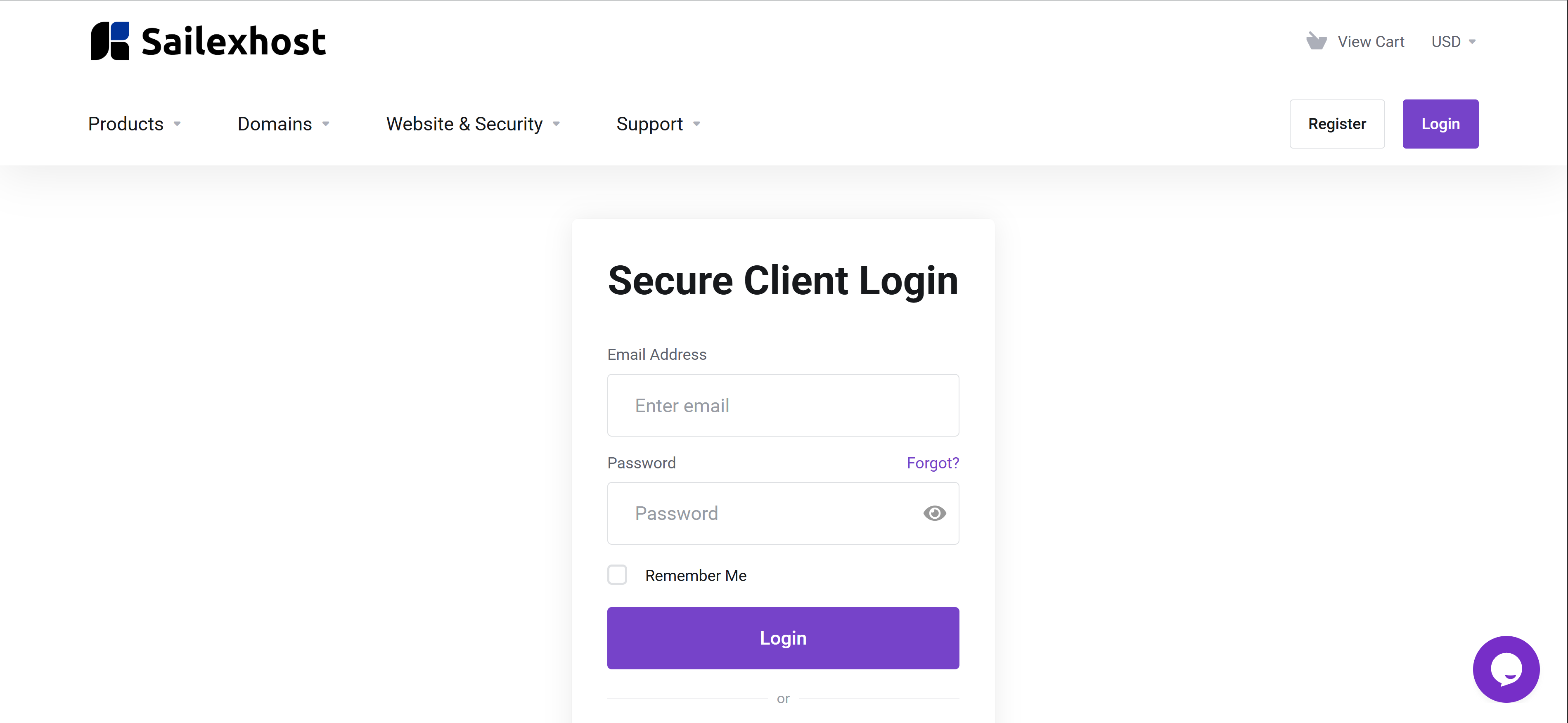
- Log in to your client area
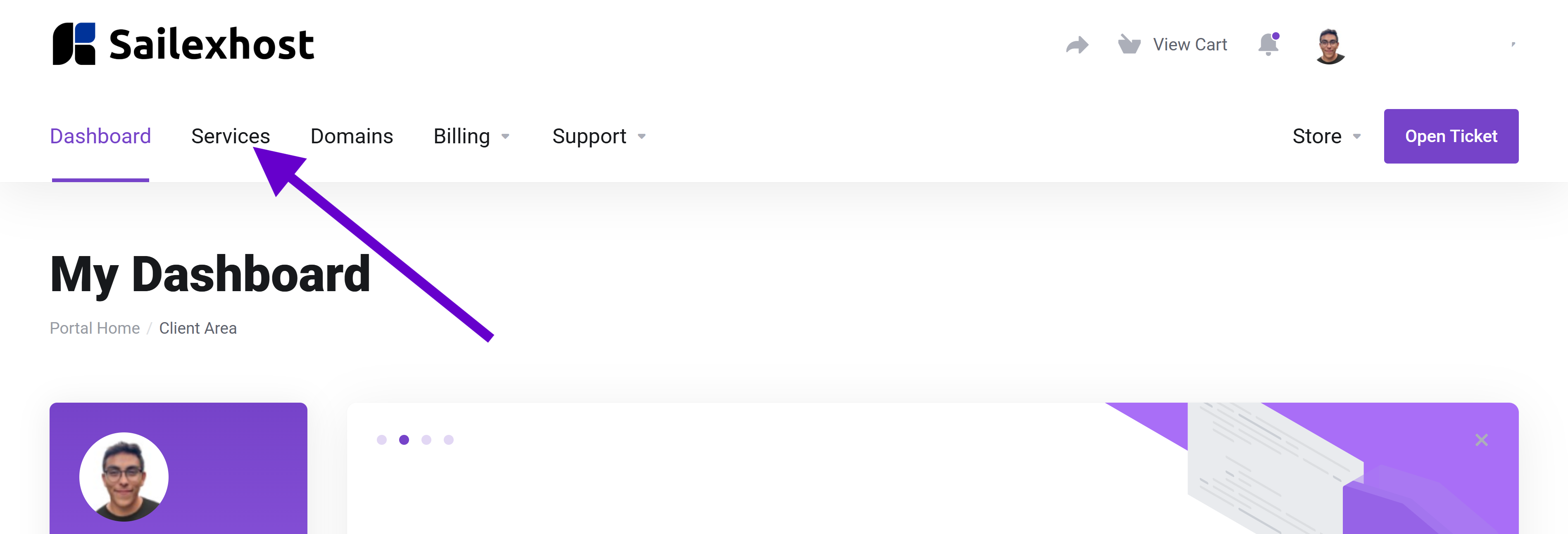
2. Under services, select my service
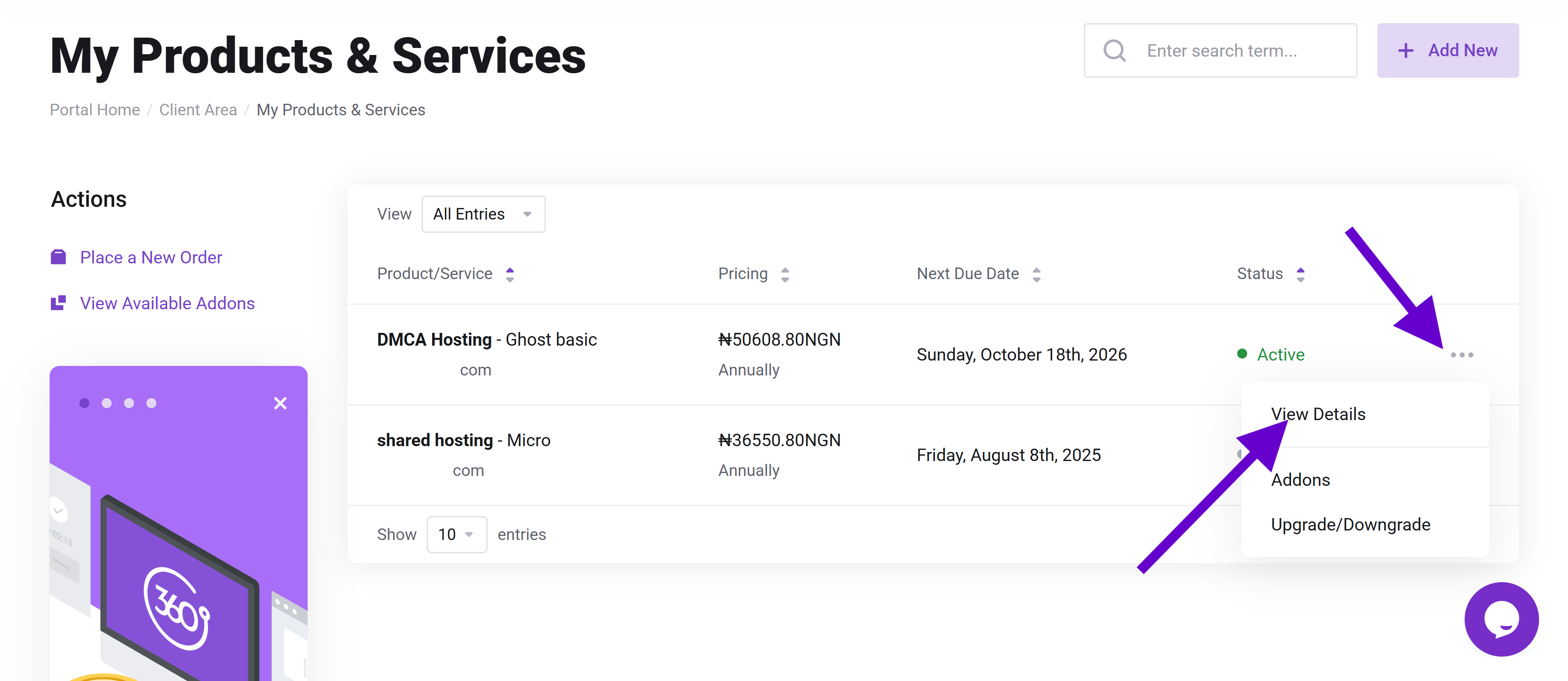
3. Click View details for the Cpanel hosting you are resetting password for
4.Under actions, click change password
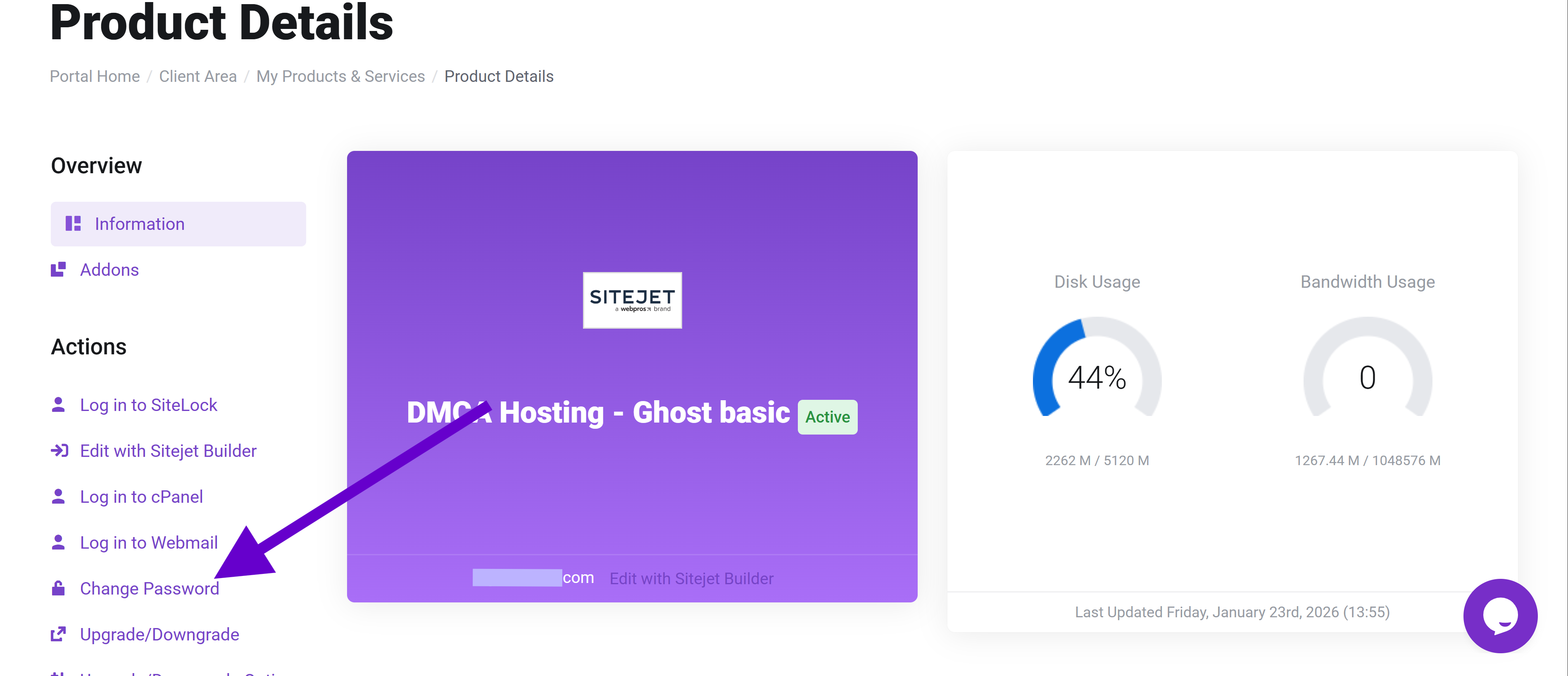
5. Click on the Change password and you will be redirect to password reset page
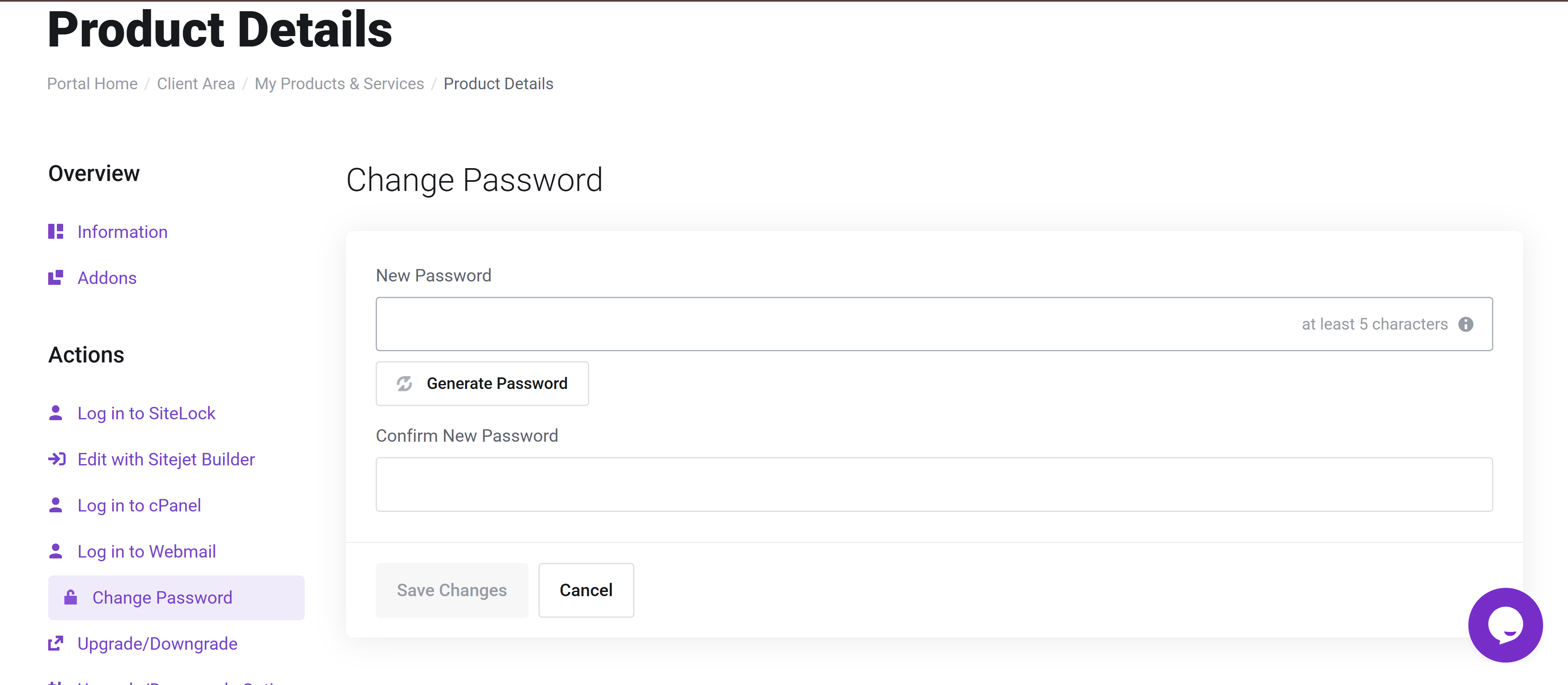
5. Fill in a new password and click Save changes button.
SailexHost AFrica (Recommended)
SailexHost is one of the most sought-after hosting services in Africa. This is because it offers the cheapest packages in web hosting and cPanel hosting platforms in Africa. SailexHost Cloud, however, is not only affordable, but it is also reliable and very easy to use.
Sailexhost Africa focuses on providing registering domains and web hosting in Africa. It is very affordable and very reliable. On top of that, SailexHost is really concerned about the businesses it is working with.
Check out SailexHost’s cPanel packages and prices to get started.